|
Zabbix 3.4 : Initial Setup
2017/08/27 |
|
This is the Initial Setup for Zabbix server.
|
|
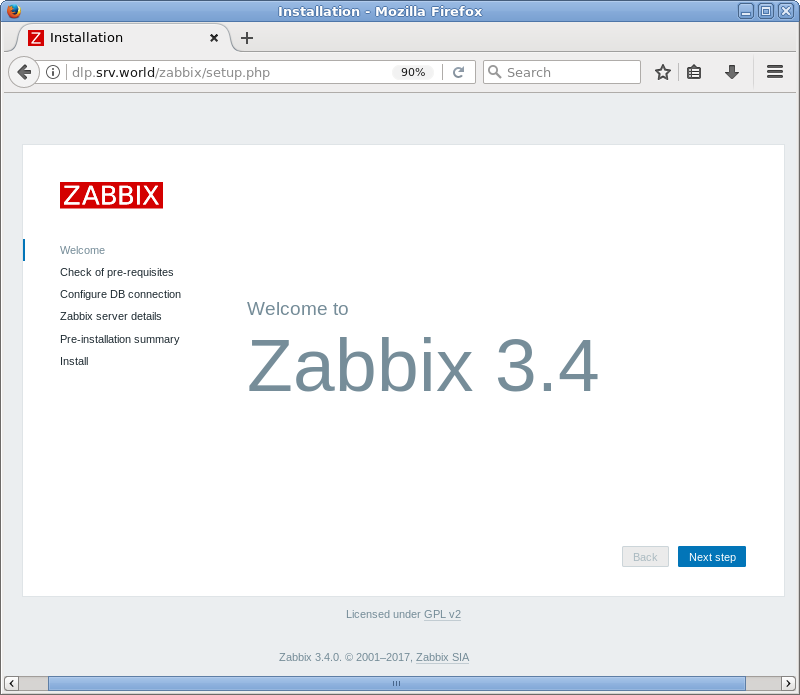
| [1] | Access to the [http://(Zabbix server's hostname or IP address)/zabbix/] from a client which is in the network allowed by Zabbix server. Then, Zabbix start page is displayed, Click [Next step] to proceed. |
|
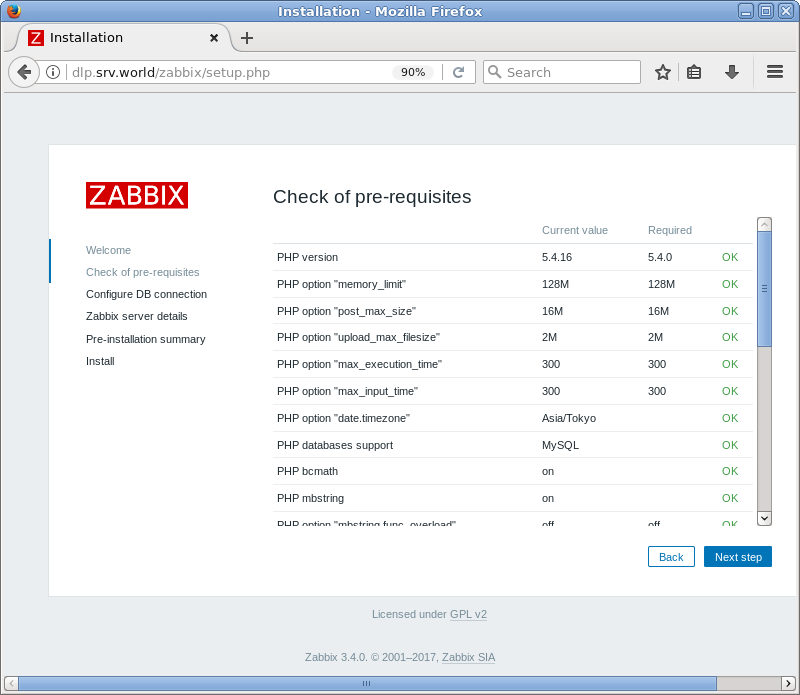
| [2] | Make sure all items are [OK], then proceed to next. |
|
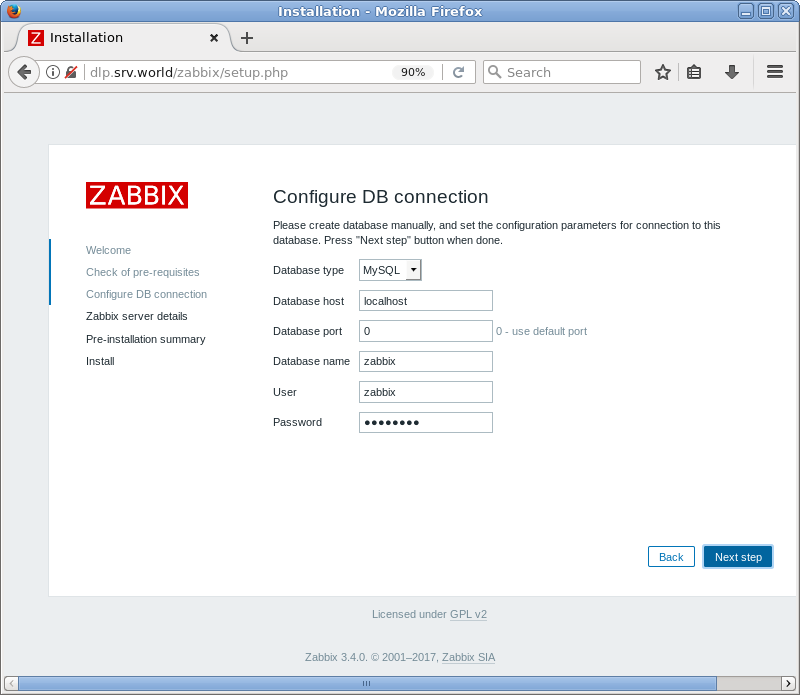
| [3] | This is the databse settings section. Change the default setting on [User] field to [zabbix] and input DB password for it. |
|
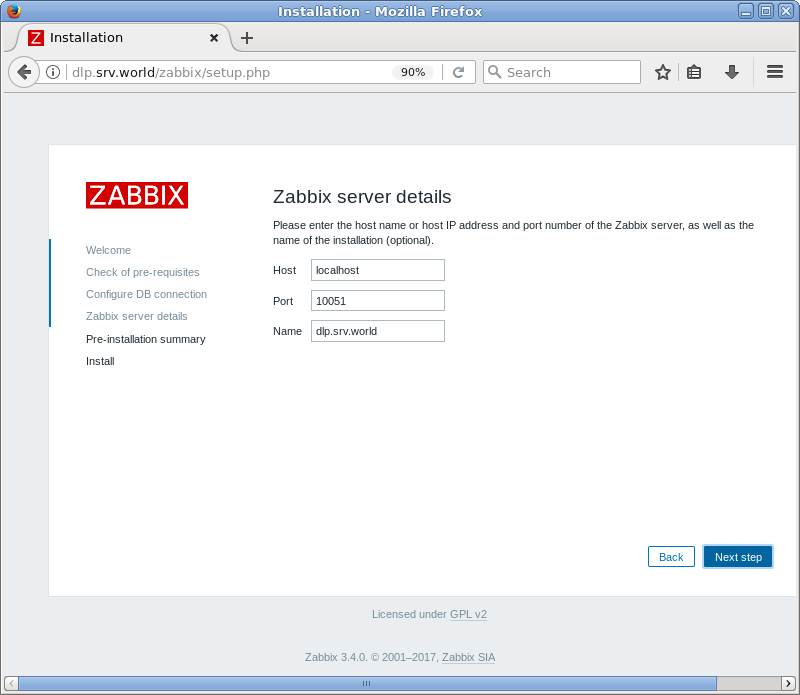
| [4] | This is the connection settings to Zabbix server. If it's local one, it's OK with keeping default. But It had better to change [Name] field to any name you like. |
|
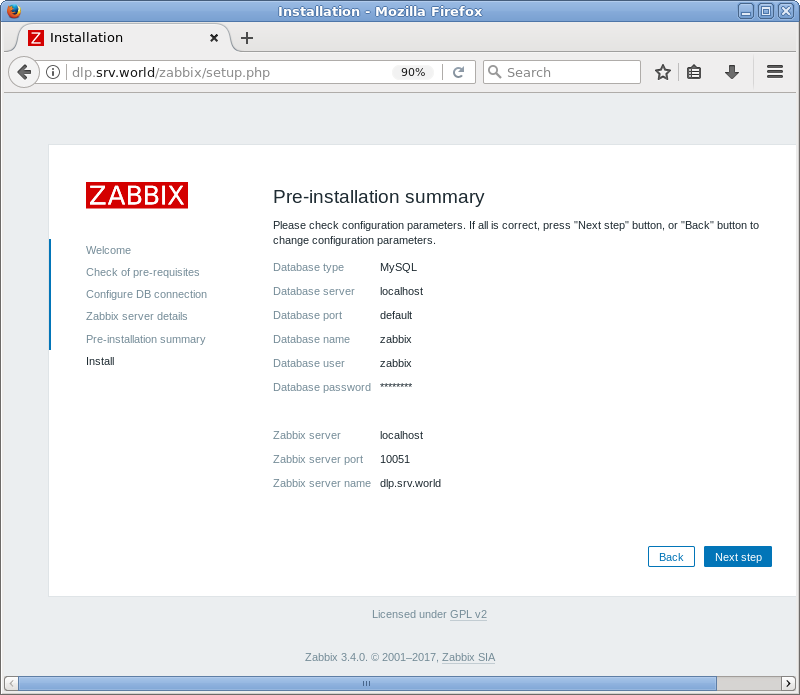
| [5] | This is the confirmation of previous settings, proceed to next if all is OK. |
|
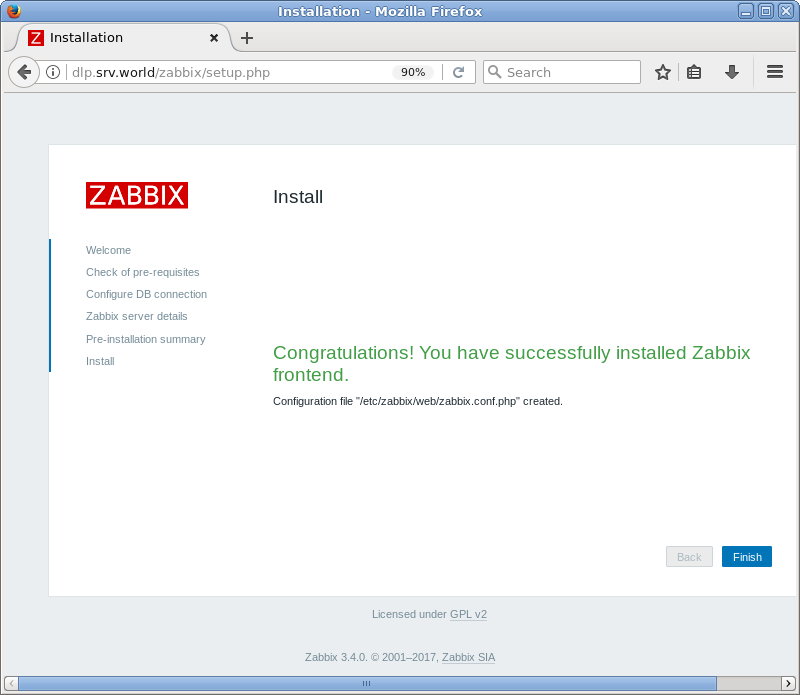
| [6] | Click [Finish] to complete initial setup. |
|
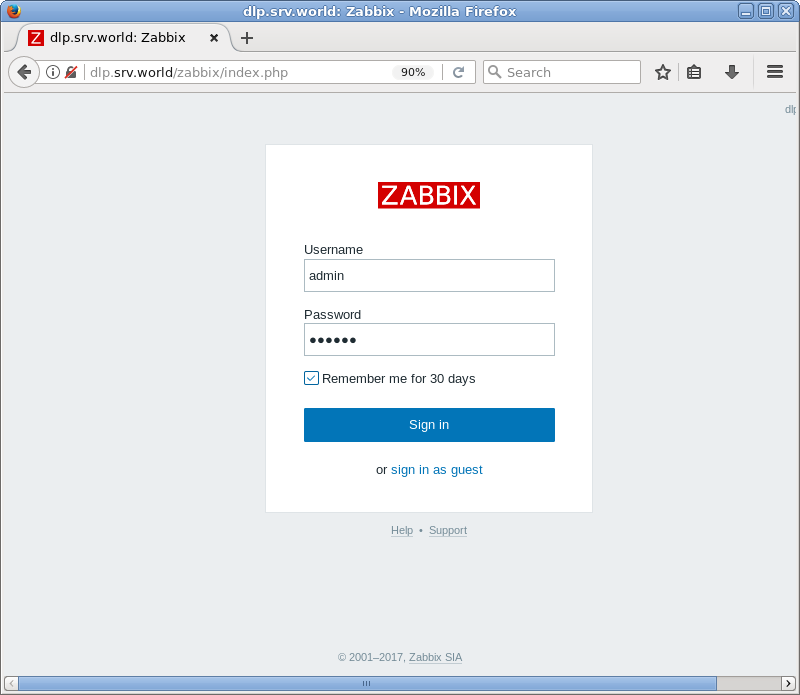
| [7] | This is the login page. It's possible to login with the username [admin], initial password [zabbix]. |
|
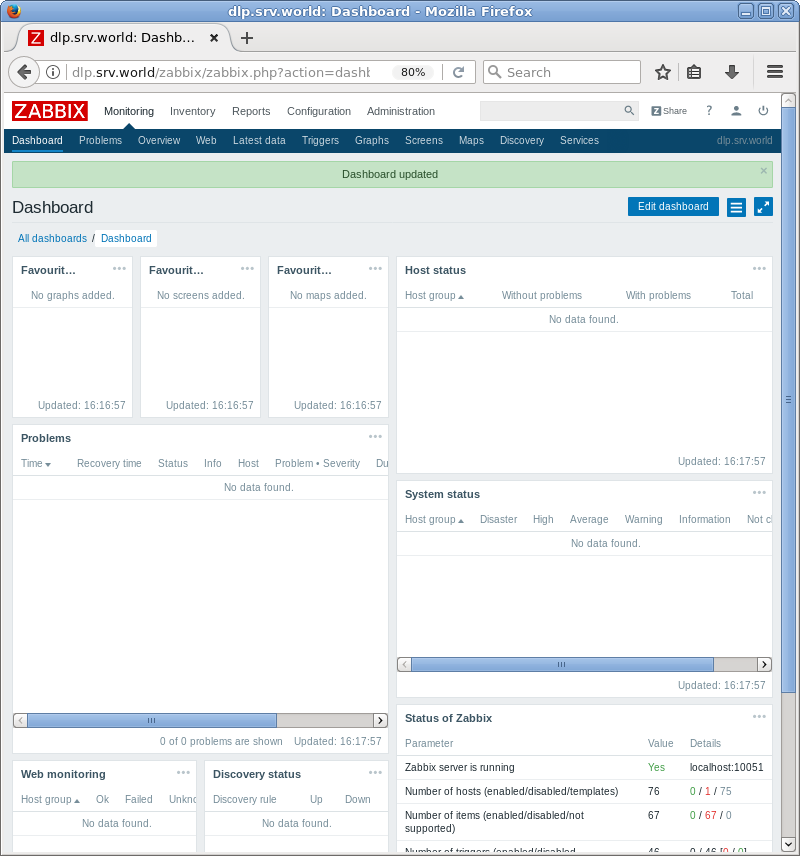
| [8] | Just logined. This is the index of Zabbix administration site. |
|